Getting Started
- Navigate to

-
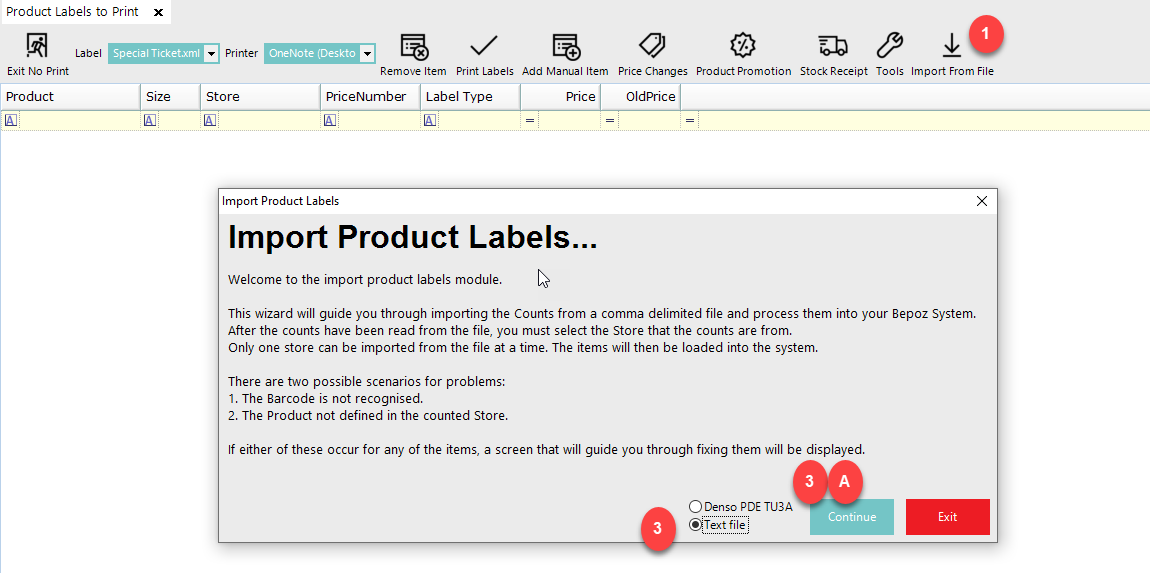
Select Text File and select Continue
-
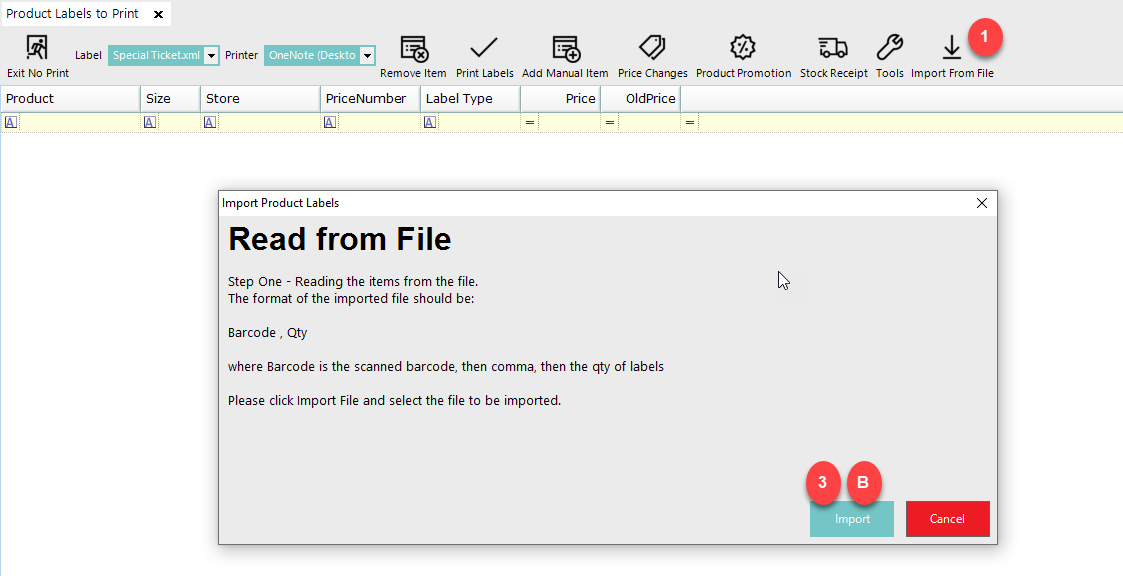
Select the Import button to select the file to be imported
-
Select the file and select Open

-
Select OK to proceed

-
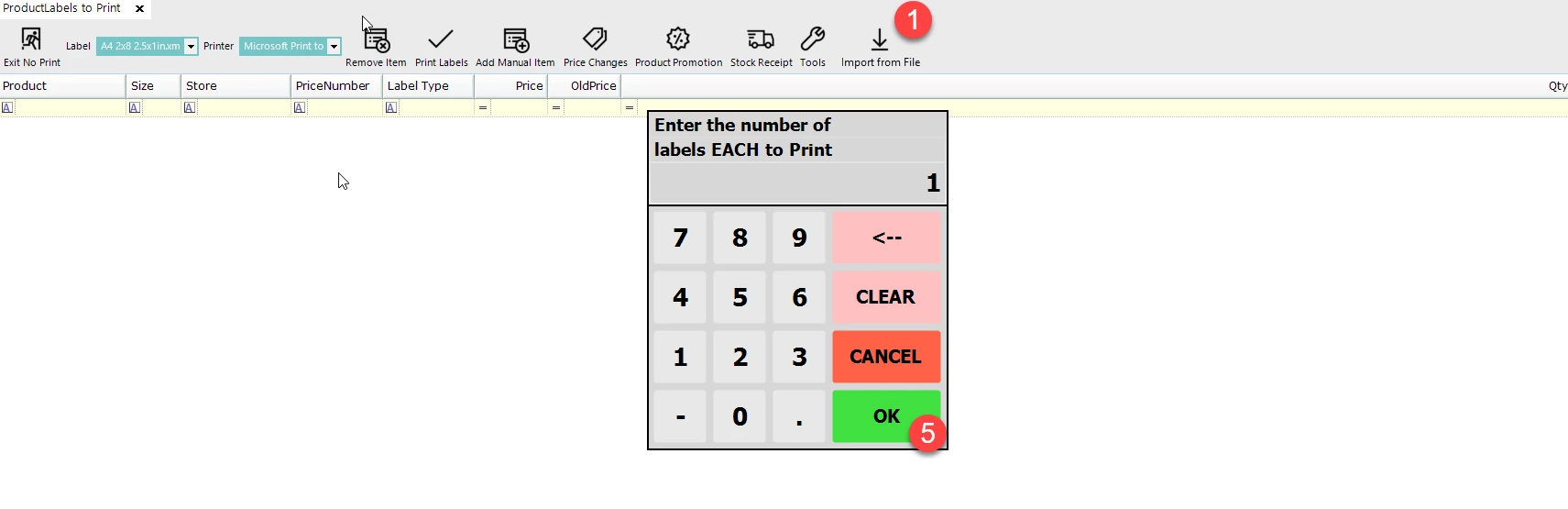
Enter the number of labels each to print and select OK
-
A PriceNumber window will display and highlight the desired PriceNumber and click Select PriceNumber

-
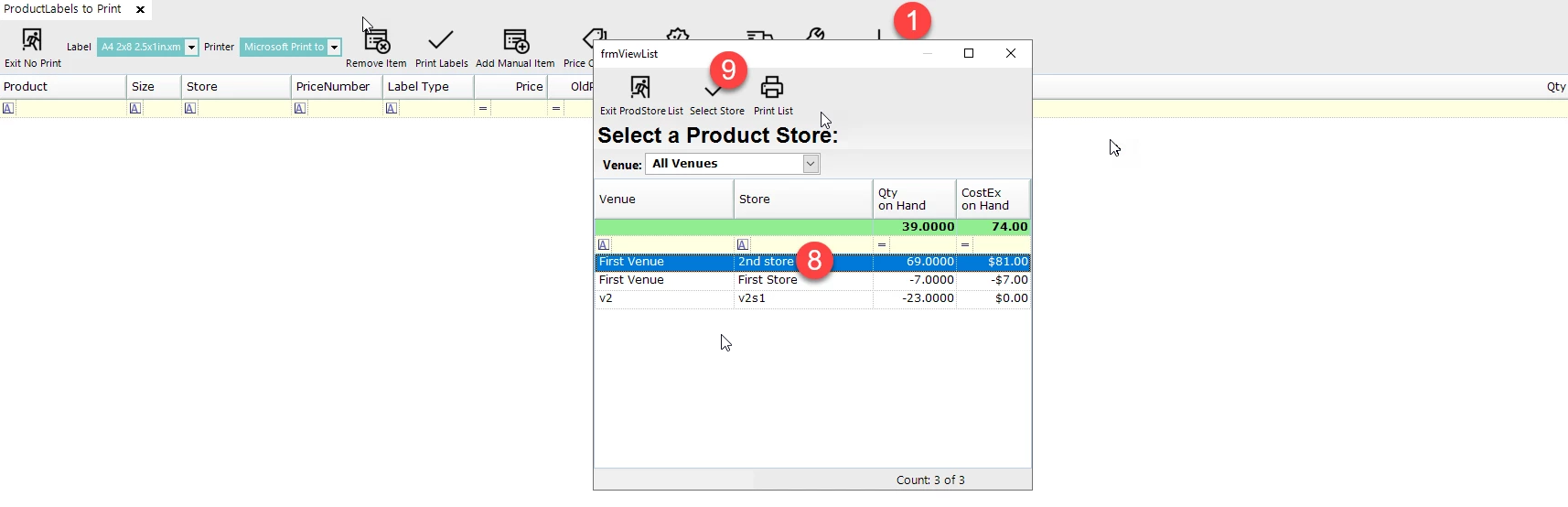
Highlight the Product Store and click Select Store
-
The product is now imported