Prerequisites
- To access Prize promotion features, the applicable Operator Privileges will need to be enabled
- Marketing & Promotions Tab
- Promotions: "Maintain Prize Promotions" Flag
- Promotions: "View Prize Promo Custom Info" Flag
- Promotions: "Edit Prize Promo Custom Info" Flag
Prize Promotion Custom Info
- The "Custom Info" tab allows operators to Add extra information about the product
- This information is not mandatory but can be used for report purposes or for operator's knowledge
- The additional data also helps during decision making
Getting Started
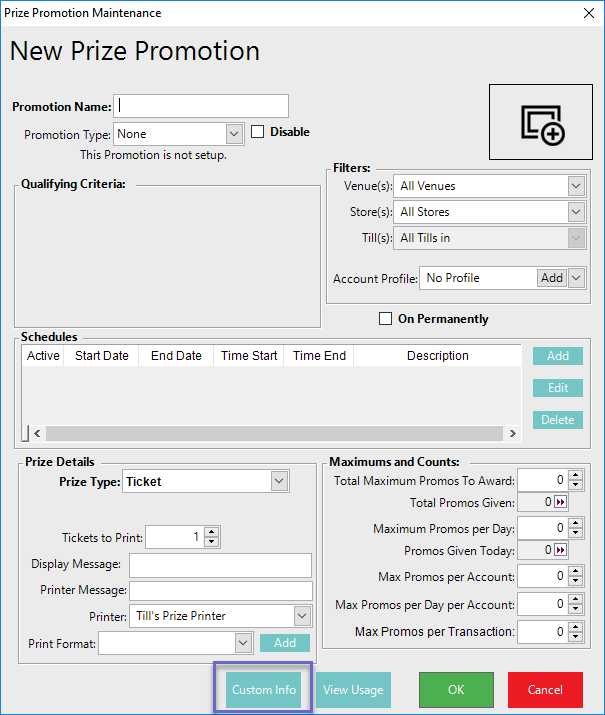
- To access the Custom Info window for an individual Prize Promotion, click the button below the Prize Details section
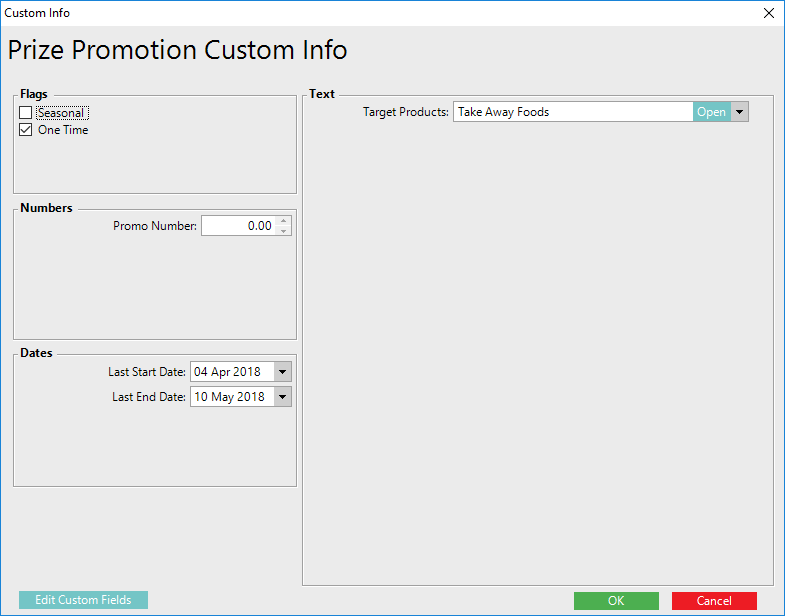
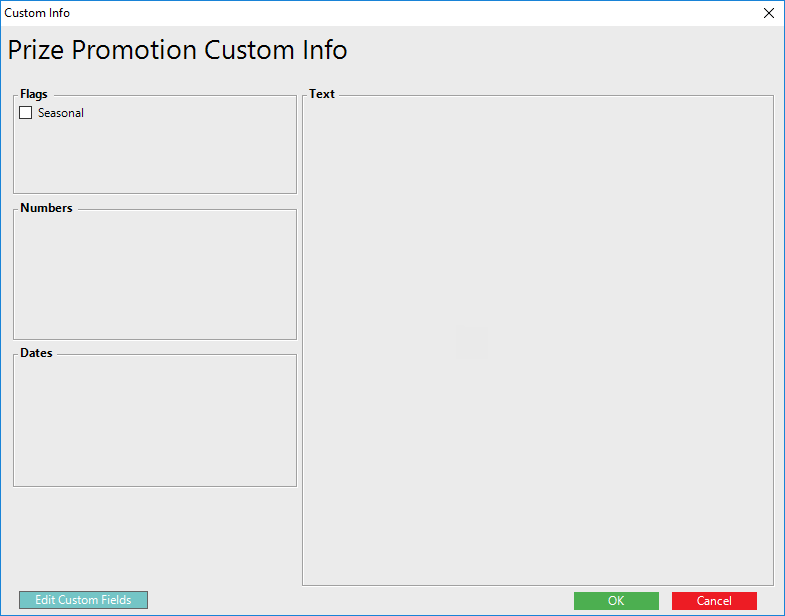
- Once the button is clicked, it will open up a new window that displays all the extra information (or may be blank if none have been configured yet)
- This information is in the format of Flags, Numbers, Dates and Text groups
Maintaining Custom Fields
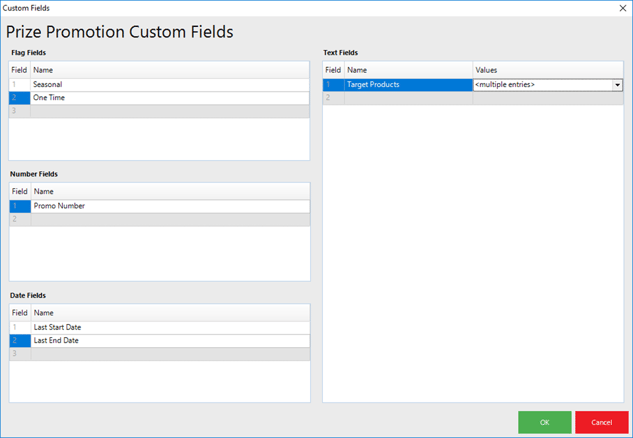
- The Custom Info tab contains Optional Fields which be Edited to suit an Organization's needs and/or preferences
- To maintain these field, begin by clicking on the Edit Custom Fields button in the bottom right corner which will open a Custom Fields edit window
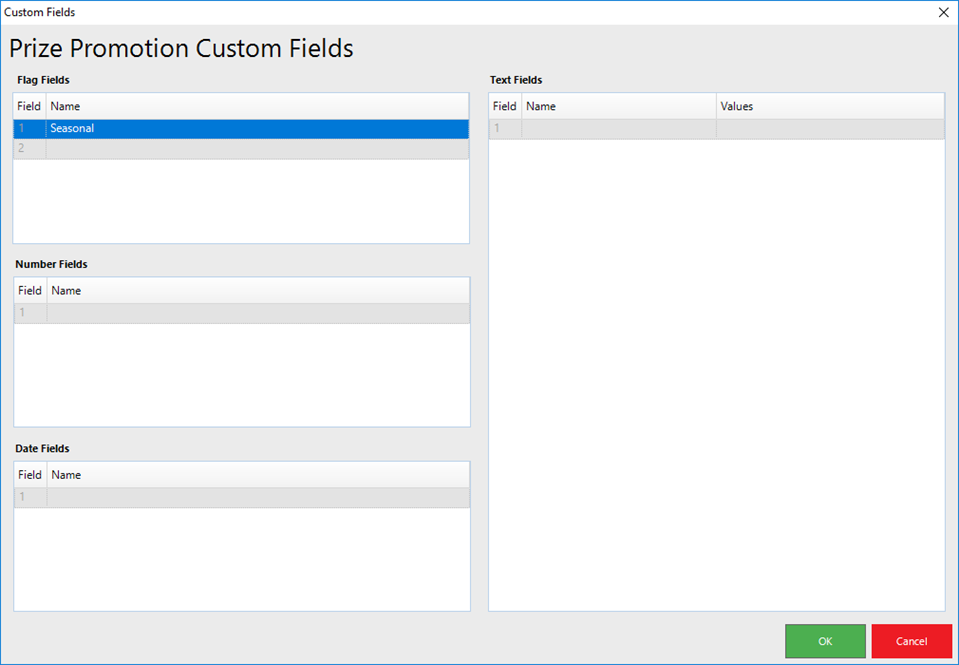
- Click within the Field Names to Enter information