Overview
This guide shows the various methods and functions of Refunds and Returns available at the POS for basic Sales.
Prerequisites
You will need following the Operator Till Privileges:
- Clear items in Cash Sales
- Returns and Credit Sales
First Method:
-
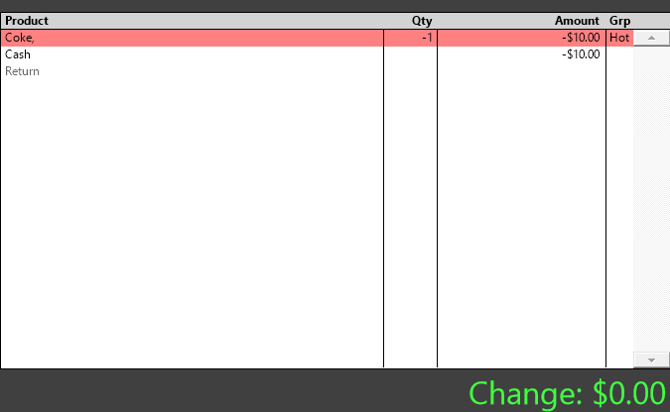
Press the minus (-) key on the numpad on the till.
-
Enter the quantity being returned.
-
Select the item that's being returned or refunded.
-
Finalize the transaction with the appropriate tender.
Second Method:
-
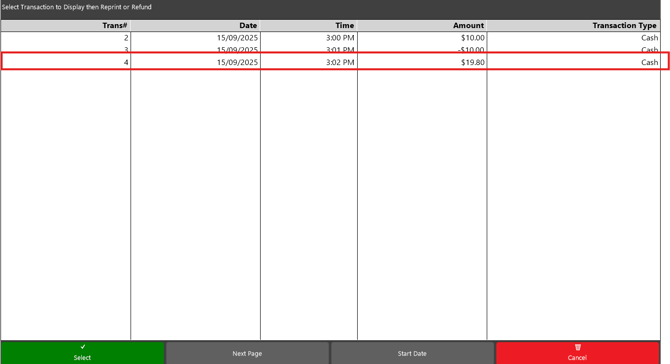
Select the Reprint Transaction (Transaction List Function) button.
- Look for the transaction that you want to refund/return and select it.
-
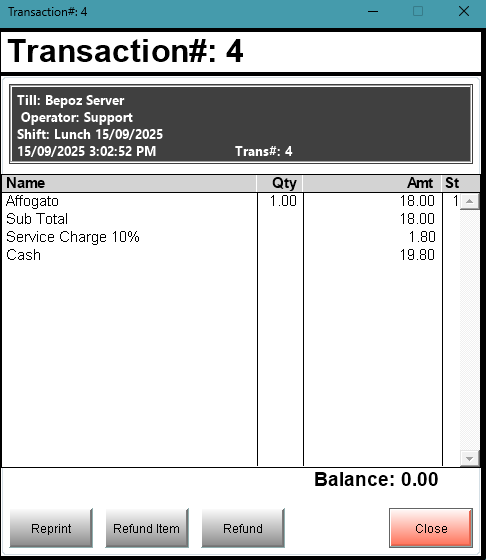
Click the Refund [or new Refund Item] button.
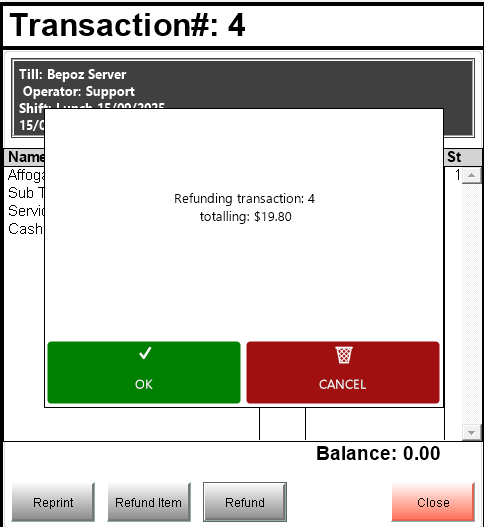
-
Click OK to Finalize the transaction.
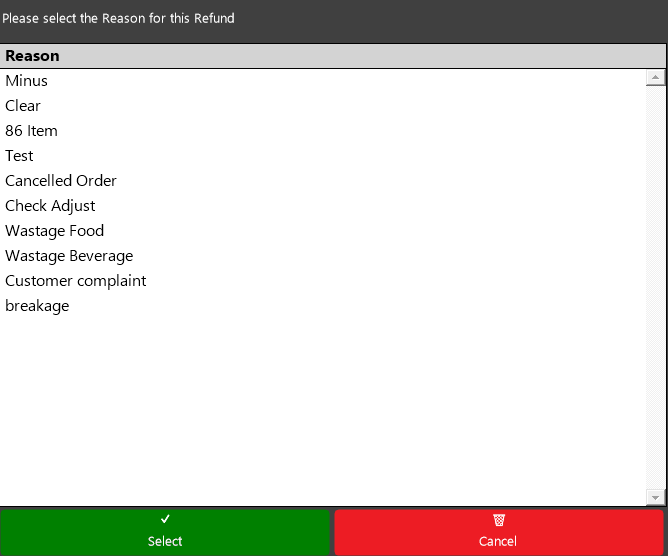
- Note - If Reasons are on, you may need to select a Reason for the Return/Refund